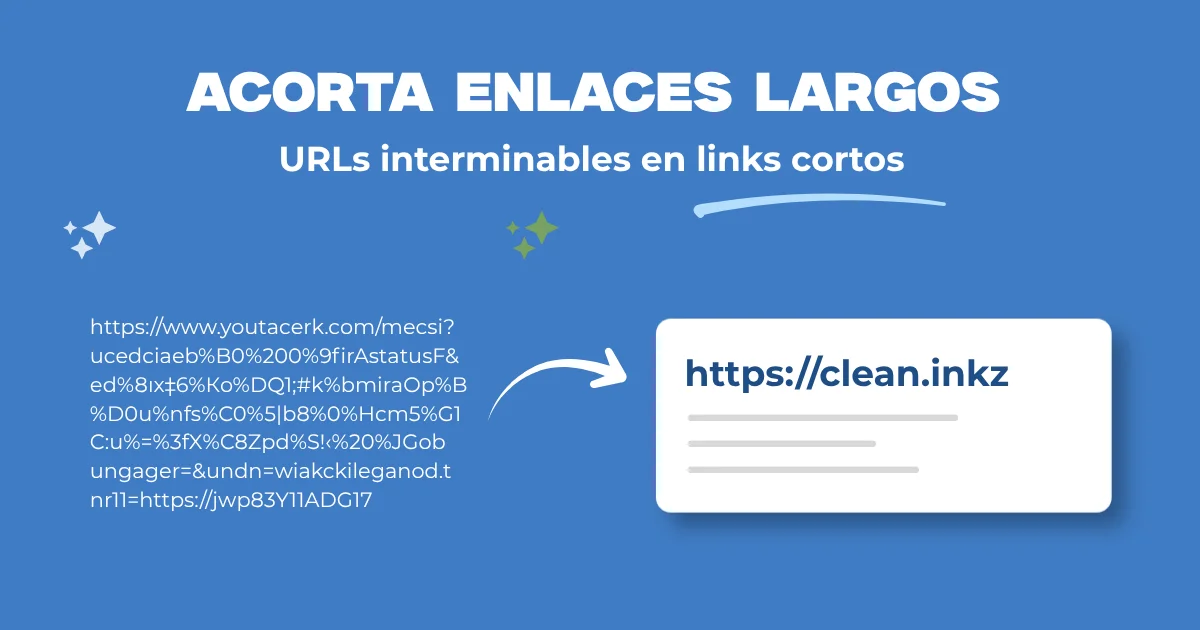
You copy the email campaign link and it takes three lines on the slide because it carries eight UTM parameters and a session token. On Instagram stories it looks ugly and nobody retypes it by hand. You need to shorten link without creating accounts on ten different services that may shut down tomorrow.
A good shortener returns a short URL that redirects to the real destination. Useful for presentations, business cards, dense QR codes, and social bios with character limits. FORMARTIO shortens from the browser without forcing sign-up for a one-off link.
When shortening a link makes sense
Live talks where you dictate the URL, printed materials, SMS with character limits, TikTok or X bios, basic tracking if the shortener adds its own analytics — check privacy first.
Do not shorten trusted internal links in corporate emails if your IT blocks shortened domains for phishing. Know company policy.
Step by step to shorten a link
- Open Shorten link on FORMARTIO.
- Paste the full long URL, https:// included.
- Generate the short link.
- Open the short one in a private window and confirm it reaches the correct destination.
- Copy to slide, bio, or QR and save the long destination in notes in case the campaign changes.
Shorten link without losing control
If the service disappears, your printed links die. For long campaigns, use your own domain with redirect you control — or a shortener with account and link export.
Links with sensitive data in the query string — tokens, emails: shortening does not anonymize them; anyone who expands the URL sees them. Do not use a public shortener for secrets.
UTM and long links
Marketing needs UTM; design needs a short URL. Order: build URL with UTM generator, confirm it loads, then shorten link for the public part. You lose visible UTM in the end user's address bar, but Analytics still reads if the redirect preserves parameters.
Verify a test visit in GA4 from the short link before launching a mass newsletter.
Phishing and trust
Attackers use shorteners to hide malicious destinations. Your audience may distrust generic bit.ly. Brand domain in the short — go.yourbrand.com/promo — gets more clicks in B2B.
Before sharing, expand your own short link in a preview tool to document destination in a compliance ticket if needed.
Alternatives by channel
LinkedIn sometimes prefers a clean URL without external shortener; test reach with both versions on small organic posts.
QR with a mile-long URL: shorten link reduces code density and improves reading from afar on signage.
Slack and Teams usually expand previews of the final destination even if you paste the short one; the shortener still helps aesthetics in the human message.
Shorten link for mass SMS: count characters including https prefix of the short one; sometimes you gain little if the destination was already brief.
Shortener metrics
If the service offers clicks, use it to compare channel A vs B in a live talk, not just for vanity. Export monthly before free history expires.
Shorten link on printed materials: also print the long URL small below in case the shortening service goes down years after the conference.
Links to deep anchors — /legal#cookies: shorten link preserving hash so the user does not land on home without scrolling to the section you promised in the talk.
Next time a URL breaks your design in stories or on the projector, do not dictate it letter by letter. Shorten your link on FORMARTIO, verify the redirect, and share something that fits on one line.