A JWT lands in three blocks separated by dots and the junior asks why it is not normal JSON. Or an API asks for the PDF in base64 inside the body and you only have the binary on disk. Base64 shows up in technical emails, headers, and configs without warning.
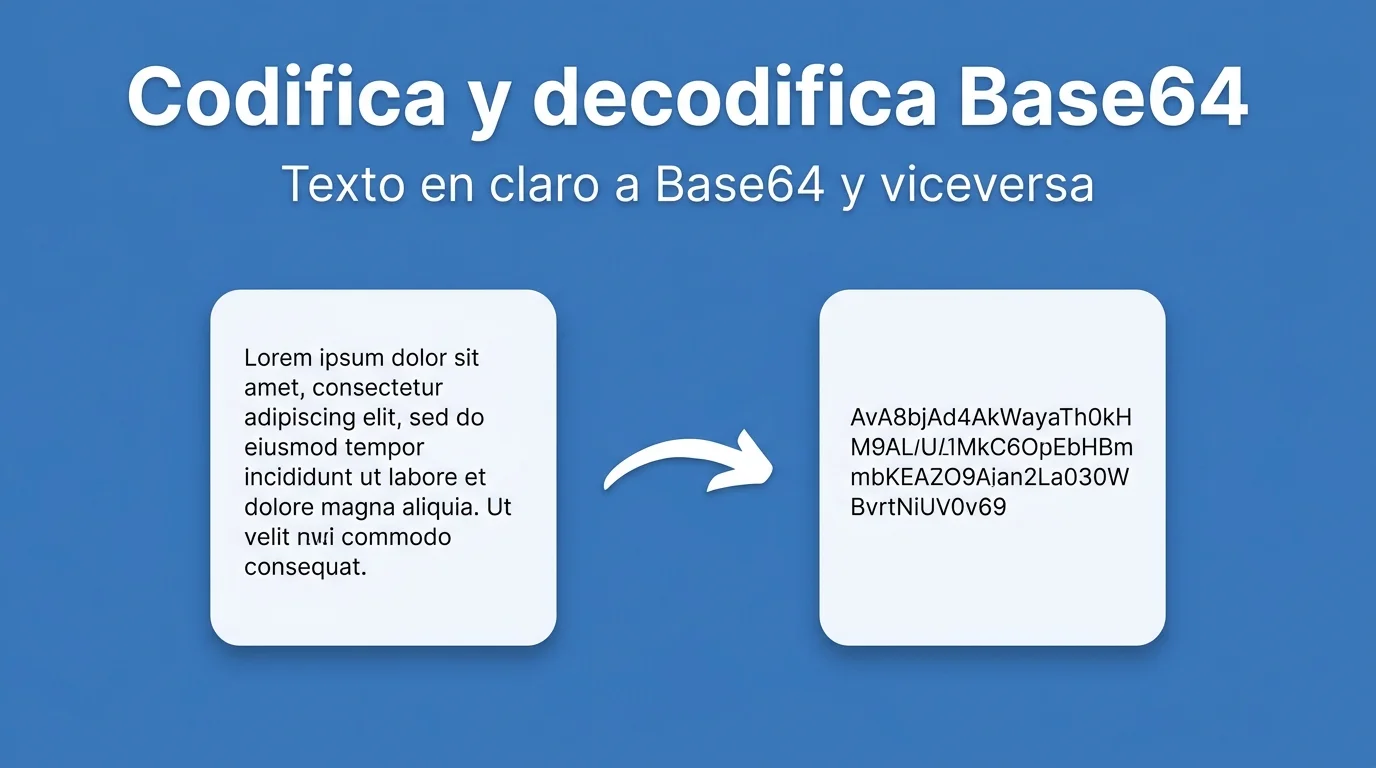
It is not encryption: it is a way to represent bytes as ASCII text safe for transport in JSON, XML, or URLs. Understanding it avoids pasting corrupted data into production or confusing encoding with security. FORMARTIO encodes and decodes in the browser for quick tests.
What base64 is in one sentence
It takes binary data — image, PDF, audio — and expresses it with letters, numbers, + and /. The result weighs ~33% more than the original, but travels through channels that only accept text.
You may see = as padding at the end of the string. That is normal; do not trim it by hand unless you know what you are doing.
Step by step to encode or decode
- Open Base64 on FORMARTIO.
- Choose encode or decode depending on what you need.
- Paste text, upload a small file, or paste a base64 string depending on the interface.
- Run and review output in the opposite panel.
- Copy the result to your API, ticket, or test script.
Where you run into base64 day to day
Data URLs in HTML — img src="data:image/png;base64,...". Attachments in REST APIs that do not use multipart. Basic Auth headers — username:password encoded. JWT payloads whose header and body are base64url, a variant without + or /.
base64 is not a hash: you can revert to binary. For passwords use bcrypt or argon2, not base64.
Common mistakes when decoding
Spaces or line breaks copied from email: some decoders fail; clean the string. data:...;base64, prefix included in the paste: remove it before decoding pure binary.
Mixing standard base64 with JWT base64url without transforming characters. They are almost the same but not blindly interchangeable.
Encoding files for APIs
Body size limit in JSON: a ten-megabyte PDF in base64 blows up the request. Better multipart upload or signed URL; base64 only for small icons or tests.
Test round-trip: encode, decode, compare checksum or open resulting image. One truncated character when copying ruins the whole binary.
Base64 and security: myths
"It is in base64, nobody can read it": false. Anyone with a decoder sees the content. Do not hide secrets this way.
Logs that print base64 tokens: treat the log as sensitive. Rotate credentials if they leaked.
Emails with MIME base64 attachments: the mail client decodes on its own; you only see the PDF. Encoding is transport, not protection.
Test with a short string — "hello" — encode and decode to understand the cycle before large binary files that fail silently.
Base64 in URLs and cookies
Some tokens in query strings are base64url encoded; do not confuse with a full JWT that carries cryptographic signature separately. base64 only transports; it does not validate identity.
Inline images in HTML weigh more than a separately cached binary file; giant base64 in CSS inflates page weight — useful for tiny icons, not hero photos.
When pasting base64 in Postman, check body size limit; APIs with a 1 MB ceiling reject large attachments even if encoding is correct.
When an integration asks for "the file in base64" and you have spent twenty minutes fighting Node buffers, simplify the test. Encode or decode Base64 on FORMARTIO, verify the round-trip, and paste into your request with confidence.