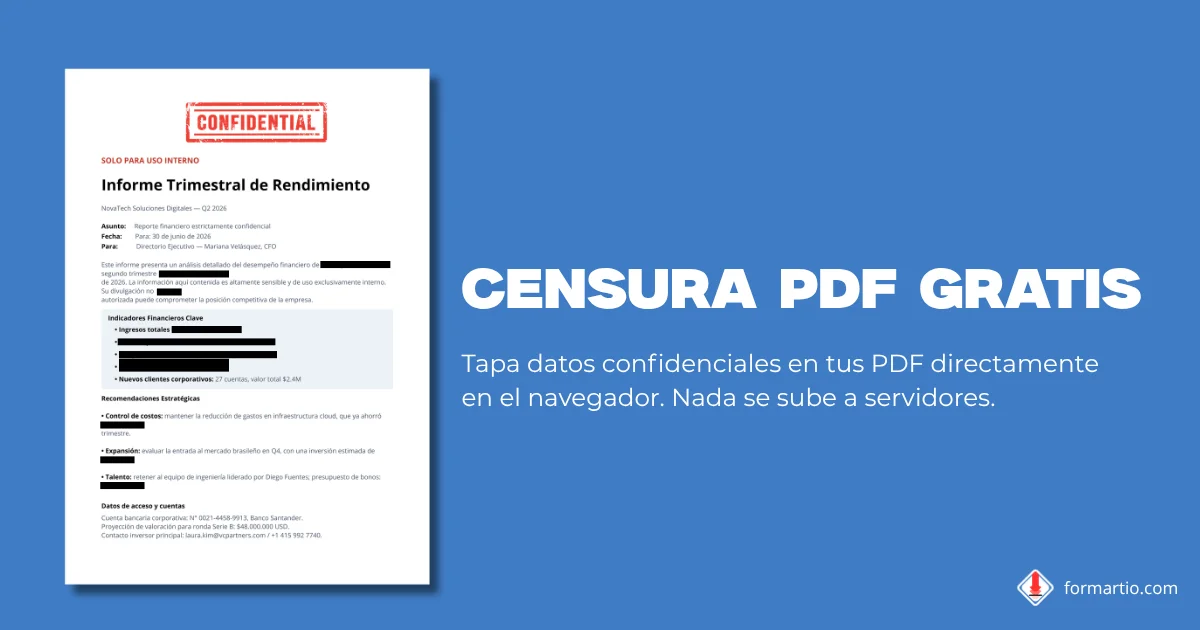
You need to send a contract to a client, but page three includes the legal representative's ID number, a bank account and the registered office address. You cannot email the PDF as is: a personal data filter would reject it. You need to redact pdf for real, not just cover text with a rectangle someone can remove later.
The secure approach is rasterization: turn each page into an image and destroy the content under the black bars so it cannot be selected, copied or recovered. FORMARTIO runs entirely in your browser, with no upload to any server.
How to redact a PDF step by step
- Drag or select your file in the upload area. The PDF opens directly in your browser, with no upload to any server.
- Draw black bars over the text or areas you want to redact. Use undo and redo, or clear all redactions if you make a mistake.
- Click «Redact and download». FORMARTIO creates a rasterized PDF where the redacted content no longer exists: it cannot be selected, copied or recovered.
Why real redaction matters
Many tools "redact" by drawing a black rectangle on top of vector text. It looks hidden, but the text is still inside the file: remove the layer or paste the PDF into an editor and it reappears. That is cosmetic censorship, not protection.
Rasterizing turns each page into a flat image. Whatever sits under the black bar is destroyed during export. No one can drag the cursor over the redacted area or pull hidden metadata from the original text. That is the difference between looking safe and being safe.
If you share legal files, medical reports or financial statements, that distinction is not a technical detail: it is what prevents an accidental leak when the recipient opens the document in Acrobat, Preview or any other viewer.
Use cases
Legal documents: contracts, deeds and filings often include full names, addresses and third-party ID numbers. Redact clauses or annexes that do not belong to the recipient before sharing a copy.
Medical documents: clinical records, prescriptions and lab reports contain protected health data. Hide the patient name, insurance number or sensitive results so you can send the rest of the report without breaking confidentiality.
Financial documents: bank statements, payslips and tax returns include IBANs, salaries and figures that should not circulate. Redact columns or pages with third-party data before attaching the PDF to a form or an external accountant.
Frequently asked questions
Can I redact a PDF for free without Adobe or any software?
Yes. FORMARTIO lets you redact a PDF for free and online right in your browser, with no Adobe Acrobat or software to install. Just upload the file, draw black bars over what you want to hide and download the redacted PDF.
Can the redacted information be recovered or copied?
No. Unlike tools that only draw a rectangle on top, FORMARTIO rasterizes each page, so the text under the black bars disappears from the file. In the final PDF the redacted content cannot be selected, copied or extracted.
Is it safe to redact confidential documents here?
Yes. The entire process runs locally in your browser and your document is never uploaded to a server. It is the safest way to redact a PDF, because the confidential file never travels over the internet.
Can I redact multiple areas and several pages?
Yes. You can draw as many redaction bars as you need on any page of the document. The counter shows how many areas you have marked, and you can undo, redo or clear all before exporting.
Next time you share a PDF with sensitive data, do not trust rectangles that only hide at first glance. Redact your PDF on FORMARTIO, check that the bars cover everything needed and download a file where the redacted text no longer exists.