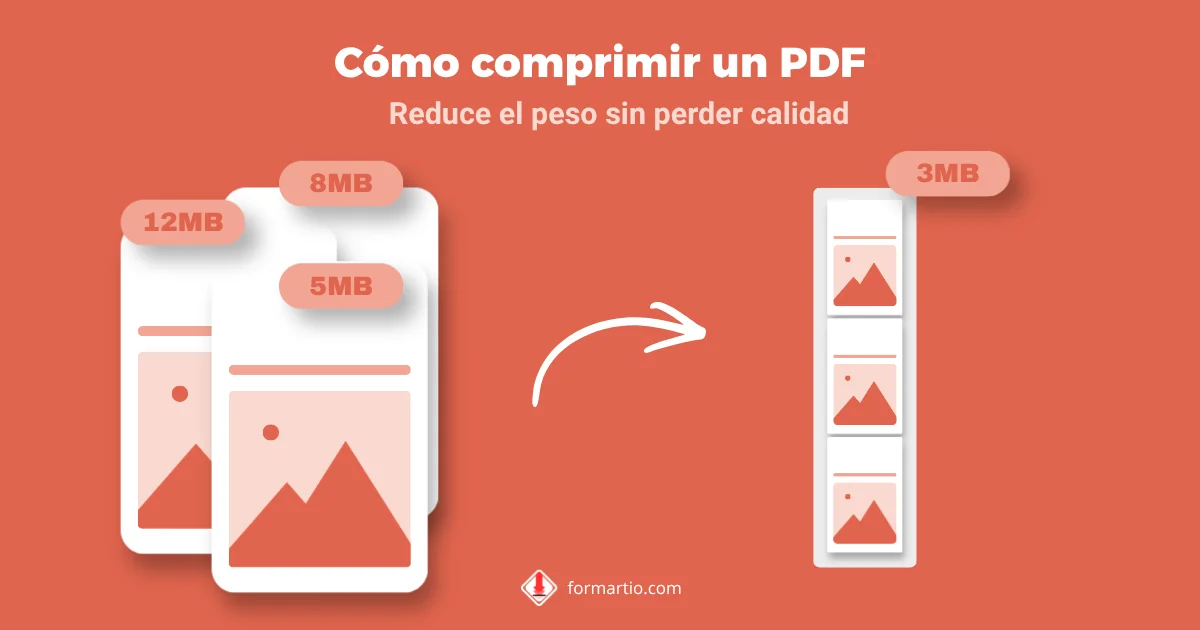
You try to attach a twenty-page report to an email and Gmail says it exceeds the limit. Or a contest portal rejects your dossier because it weighs more than five megabytes. You need to compress pdf, but the last time you did it the text was so blurry you could not read the tables.
Compression is not magic: you have to cut weight where it is excess — huge embedded images, metadata — without turning letters into smudges. Balanced compression leaves you a file that passes the email filter and stays readable. FORMARTIO does it in your browser, without uploading the document to unknown servers.
Why a PDF weighs so much
It is not always the page count. Sometimes it is three slides with high-resolution photos, or a scan at 600 dpi when 150 was enough. Other PDFs carry repeated embedded fonts or editing layers that inflate the size.
Compressing pdf targets mostly images and redundant data. Vector text usually stays sharp if the tool does not go overboard on quality reduction.
Step by step to compress a PDF
- Open Compress PDF on FORMARTIO.
- Upload the original file. Keep a copy of the heavy version in case you need to go back.
- Choose a compression level if the interface offers it: try medium first; only go aggressive if the portal demands very small sizes.
- Run the compression and see how much the weight dropped on screen.
- Download, open at 100%, and read small paragraphs and tables. If it looks good, send. If not, bump quality up a bit and try again.
Tips by use case
For corporate email, aim to stay under eight megabytes even if the limit is ten: servers add overhead. For WhatsApp or Telegram, even less.
Paperwork with a stamp or scanned signature: do not over-compress or the stamp becomes illegible and they reject the document. Better to trim unnecessary pages with the split PDF tool and then compress gently.
If you compress and it is still heavy, check whether you can replace images in the original Word file before exporting to PDF again. Sometimes the source is cheaper to fix than the result.
Compress pdf without ruining the content
Compare side by side a page with lots of text and another with photos. Text should look the same; photos may lose a little detail without drama.
Avoid compressing the same file twice in a row. Each pass degrades more. Always start from the original PDF when you need another attempt.
Portal with a 2 MB limit: a practical strategy
Compress once at medium level and see how much it dropped. If you are still over, remove duplicate pages or annexes the form does not require — split pdf helps — and compress pdf again on the already trimmed file.
In dossiers with many photos, it sometimes pays to regenerate the PDF from the original Word with lighter images. Compressing pdf fixes symptoms; lightening the source cures the cause when you hit the same problem every month.
If the PDF includes selectable text, compression usually respects it better than on pure scans. Test by copying a sentence from the compressed PDF before sending.
Next time email blocks your attachment, do not resend a huge Drive link if they asked for the PDF in the form. Compress your PDF on FORMARTIO, check that it reads well, and send with one click.