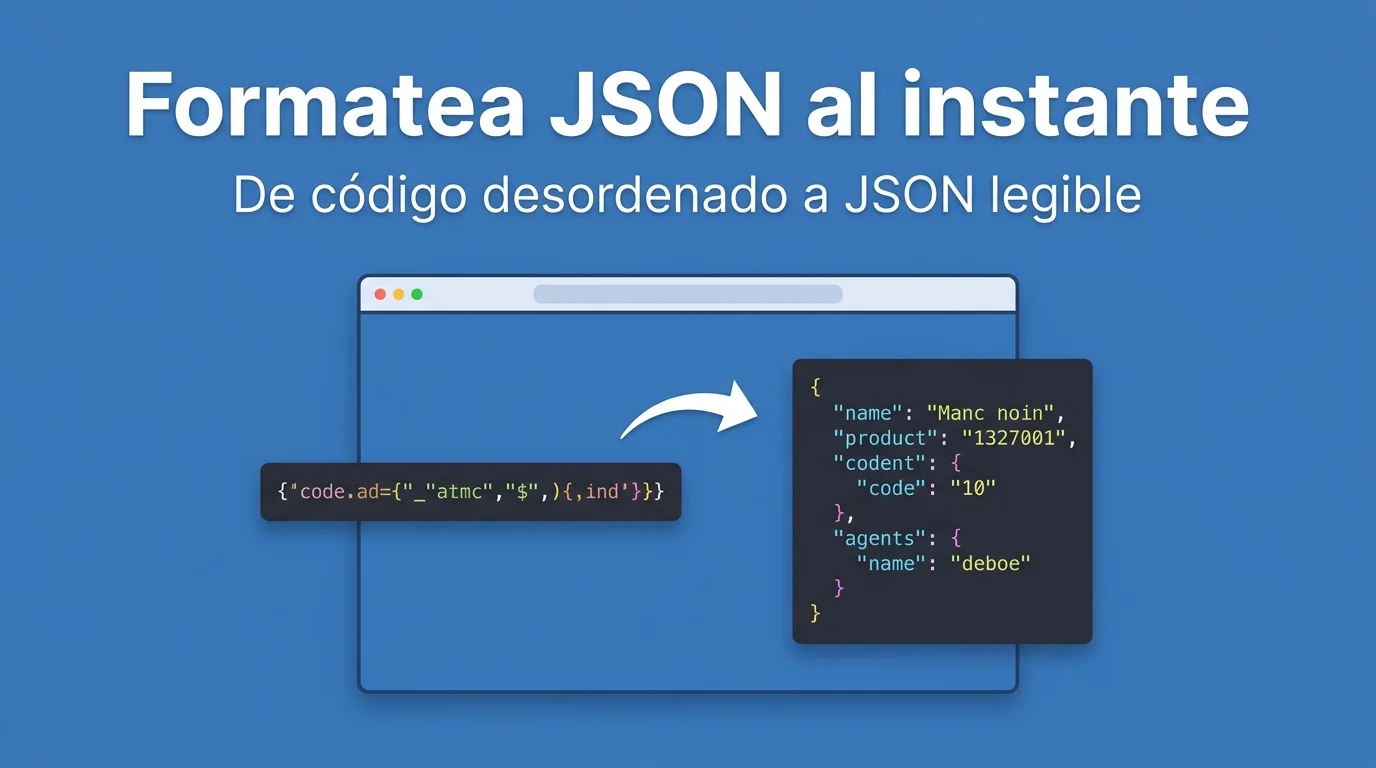
Stripe's webhook returns one endless line with no breaks and you cannot find the customer_id field. Or you paste an API response in Slack and the thread breaks because the JSON was minified. A good json formatter turns that block into a readable tree in one paste.
Debugging three thousand characters of JSON on a single line by eye is asking to confuse a comma with a logic bug. Formatting and validating before moving on saves hours of "why undefined?" FORMARTIO does it in the browser without heavy extensions.
What a useful json formatter does
Consistent indentation, collapsing long nodes, highlighting quotes and numbers, and above all telling you if a brace is missing or there is an extra comma. Without that, formatting is just cosmetics.
Pasting dirty JSON from production logs — with odd escaped quotes — sometimes requires cleaning the wrapper first. Copy only the object, not the server timestamp prefix.
Step by step to format JSON online
- Open JSON Formatter on FORMARTIO.
- Paste the raw JSON in the input panel.
- Click format or validate depending on the interface.
- Read the error message if it fails: it usually points to the approximate problem line.
- Copy the pretty JSON to your ticket, Postman, or editor with indentation already correct.
Validate before deploying
Config in environment variables, PWA manifest, mock response for tests: invalid JSON in prod fails ugly at runtime. A json formatter as a pre-commit step avoids surprises in CI.
Watch trailing commas: standard JSON does not allow them; JavaScript does. What works in your Vite config may fail in a strict backend parser.
Minified vs pretty JSON in production
Real APIs send minified to save bytes. In development you want pretty to read. The formatter is a dev tool, not for the final client response.
Do not upload JSON with secrets to unknown public formatters if the data is sensitive. FORMARTIO locally reduces risk versus pasting tokens on random sites.
Typical errors when pasting JSON
Typographic quotes from Word instead of ASCII. Trailing commas copied from outdated documentation examples. Numbers with European decimal commas where the parser expects dots.
Double stringify: sometimes you receive a string containing escaped JSON inside. You need to parse twice mentally or use an intermediate decoder.
Workflow with Postman and curl
curl response without jq: paste in json formatter, locate the field, go back to Postman with a clear path. Less blind scrolling in terminal.
Test webhooks in ngrok: save formatted payloads as fixtures for automated tests with descriptive names — invoice-paid.json.
Diff between two config versions: format both with the same indentation and compare in editor with visual diff; changes jump out more than in minified.
json formatter in code review: pasting example payload in PR helps the reviewer understand structure without running the app.
JSON in logs and observability
Stack traces with JSON embedded on one line: formatting the fragment speeds up 3 AM incident postmortems without waking the senior with silly questions.
Copying formatted JSON to Notion or Confluence: preserved indentation helps internal docs where json formatter is a step before publishing API examples.
Next time a log spits out an unreadable line, do not guess where the field is. Format your JSON on FORMARTIO, fix the error the validator flags, and keep debugging with a clear view.