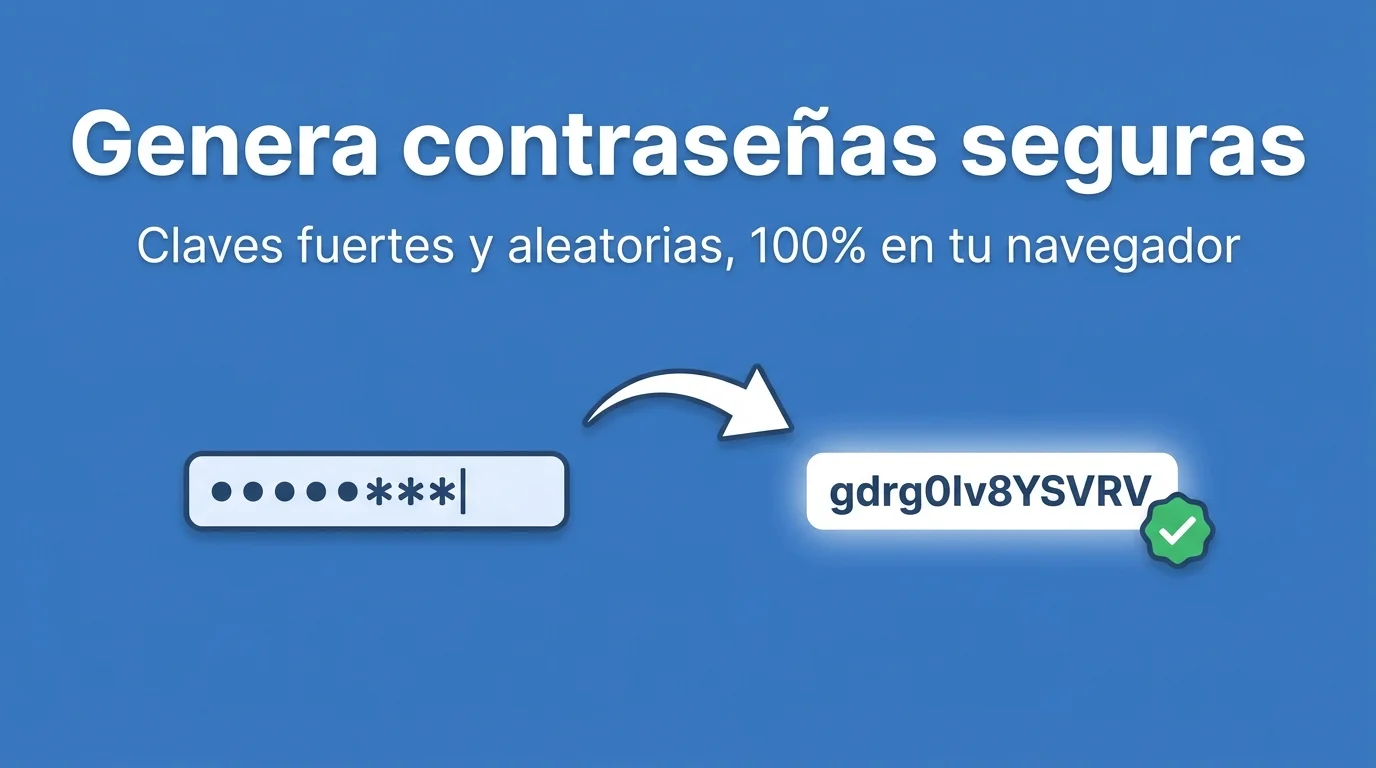
You reuse the same Netflix password for your bank and a bike forum from 2009. A breach on any of those sites opens the rest. You need a password generator that creates long, random, distinct keys per service — and a place to store them without a sticky note on the monitor.
A secure password is not "P@ssw0rd123" with obvious substitutions. Bots try those variants in seconds. Length and real randomness beat predictable mnemonic rules. FORMARTIO generates in the browser; you decide where to store afterward.
What makes a password strong
Reasonable minimum length: twelve characters, better sixteen or more. Mixing character types helps, but entropy — unpredictability — is the key. a-four-word-random-nonsense-phrase can be excellent if it is long and unique.
A password generator avoids human bias: no birthdays, no pet names, no qwerty keyboard patterns.
Step by step to generate a secure password
- Open Password Generator on FORMARTIO.
- Pick length — 16+ for important accounts — and character types.
- Generate and check if it includes symbols the target site rejects — some do not allow < or &.
- Copy to a password manager — Bitwarden, 1Password, etc. — without pasting in Slack.
- Save in the manager before closing the tab; do not trust memory.
One password per site
If LinkedIn gets breached and you used the same password on corporate email, the attacker tries the combo there. Password manager + generator solves uniqueness without driving you crazy.
Changing just one character between sites is not enough: password1, password2 is a detectable pattern.
2FA is still mandatory
Strong password without a second factor is better than weak, but session phishing exists. Enable 2FA on bank, email, and cloud even with a perfect key.
2FA recovery codes: store them offline in a manager or paper in a safe, not as an unencrypted screenshot in phone gallery.
Absurd corporate policies
Change every thirty days worsens security if it leads to Password1!, Password2!. Negotiate company password manager and long static passwords with 2FA instead of blind rotation.
Sites that cap at eight characters: generate the maximum allowed and use 2FA if available. Consider leaving services that do not allow modern keys.
Password generator and teams
Share office WiFi password via generator + encrypted channel, not email. Rotate when someone leaves the company.
Service accounts on servers: long random password in vault, never in Git repo. Generator + secret manager, not committed .env.
Family training: help parents install a manager and one strong master password generated well, not reusing the bank password on Facebook.
Long passphrases instead of impossible symbols on TV: a password generator with random words can balance security and usability on certain devices.
Rotation after a breach
If a site reports a breach, generate a new key for that service immediately. Do not wait for the next quarterly corporate reminder.
Annual audit of zombie accounts: password generator + manager to close sessions on services you no longer use with the same recycled bank password.
Never paste the generated key in a Jira ticket; the channel stays indexed and exposed forever in project history.
Print a one-time password only if the user must change it on mandatory first login.
If you still use the same password on more than one site, the fix takes a minute. Generate secure passwords on FORMARTIO, store them in a manager, and enable 2FA where you can.