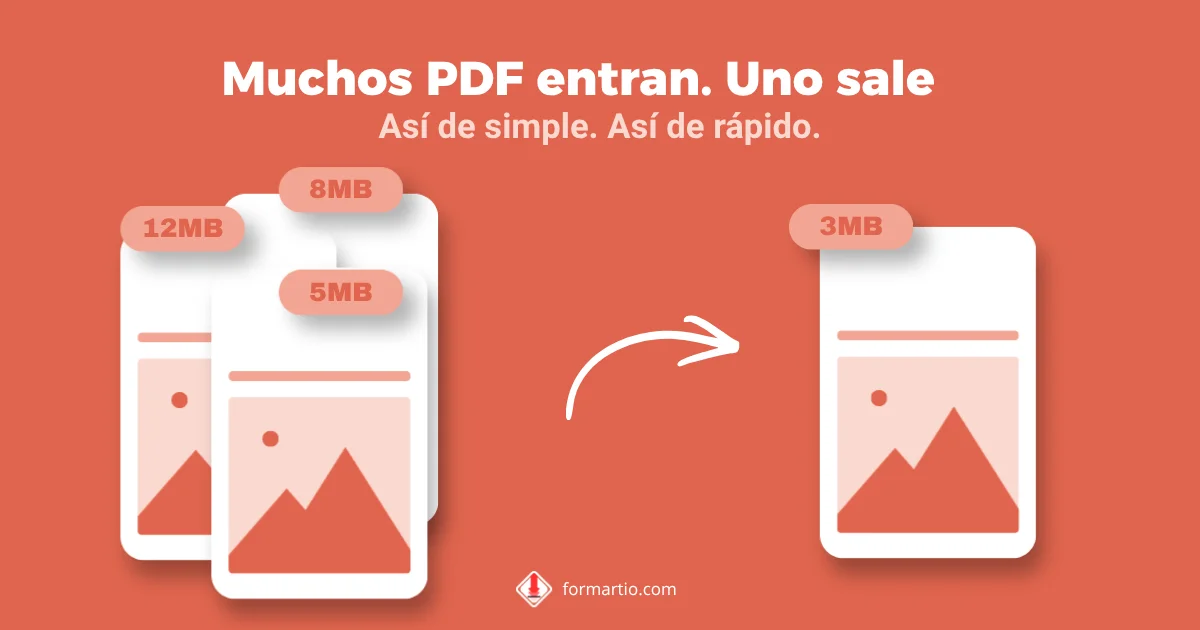
You have five loose PDFs — invoice, delivery note, bank statement, and two attachments — and the application portal only accepts a single file. Or worse: it accepts them, but in alphabetical order instead of the sequence you need. To merge PDF files without installing Adobe or wrestling with sketchy browser extensions, you just need a tool that lets you set the order before combining.
A lot of people re-print everything to PDF from the viewer. It works, but it is slow and sometimes hurts quality. Combining the files directly keeps pages as they were, just in one document. On FORMARTIO you do it in the browser, free, with no sign-up.
Before you merge PDF files: order and names
The most common mistake is uploading files in the wrong order. Rename them with numeric prefixes if needed: 01-contract, 02-exhibit, 03-signature. When you drag them into the tool, they already follow a logical sequence.
Also check that no PDF is corrupted. If one will not open in your usual reader, fix it before mixing it with the rest; a broken file can wreck the whole merge.
How to combine PDF files into one
- Open the Merge PDF tool on FORMARTIO from the catalog.
- Upload all files at once or add them one by one. You will see the list with thumbnails or file names on screen.
- Drag to reorder until the sequence matches what the application requires. Cover page first; signatures last.
- Click merge and wait for the combined PDF to generate.
- Download the final file, open it, and flip through page by page. That quality check saves you from a portal rejection.
Tips for applications, work, and school
If you mix orientations — some pages landscape and others portrait — the reader keeps them, but printing can look odd. When you can, rotate or normalize before you merge PDF files.
For long dossiers, merge in blocks: chapters 1–3 first, then 4–6, then combine those blocks. If something fails, you do not start over from scratch.
Password-protected PDF? Unlock it first or get an unprotected copy. Merge tools cannot guess permissions you do not have.
Merge PDF vs. compress afterward
Merging does not shrink file size; it adds. If the portal has a megabyte cap, merge first, then compress with the compression tool on the same site. One workflow, no hopping between websites.
On sales or legal teams, save a copy of the merged package with the date in the file name. When someone asks what was sent, you have a clear reference.
Senior thesis: logical order
Cover, table of contents, chapters, bibliography. Students often end up with each section in a separate PDF after printing chapter by chapter. Merge PDF files in that order before submission so the committee is not getting loose attachments in a separate email.
Check page numbers after merging: sometimes each chapter restarts at page 1. If the committee requires continuous numbering, renumber in Word or accept each block’s internal pagination per your department’s rules.
Next time you have folders full of loose PDFs and a form asking for one attachment, do not wait until the last minute. Merge your PDFs into one on FORMARTIO in the right order and submit with confidence.