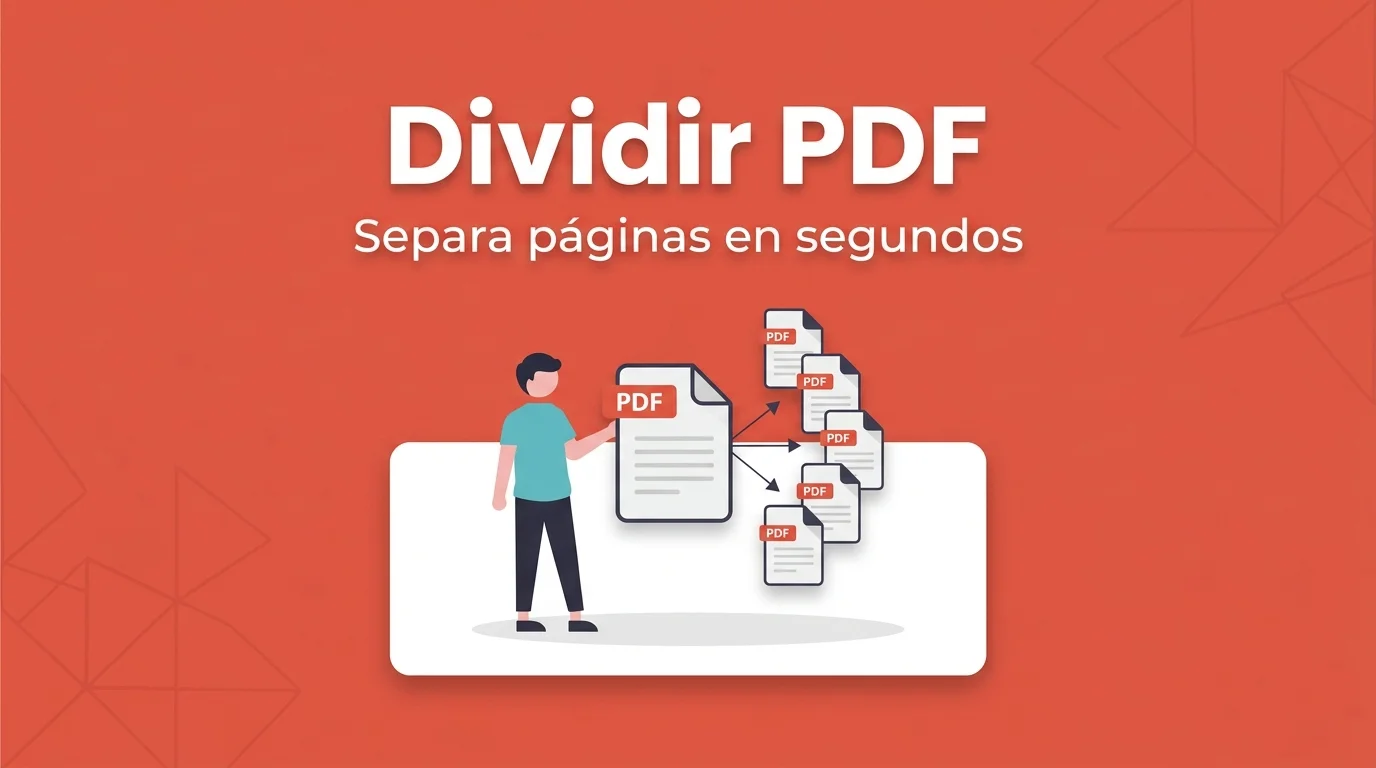
They send you an eighty-page contract and you only need to return the signed appendix. Or you have a scan where each invoice sits on a different page and you want to archive them separately. To split pdf without paying for Adobe Acrobat, you just need to indicate which pages to extract or where to cut the document.
Printing "page 3 only" to a new PDF from the viewer sometimes works, but it is slow and easy to mess up. Splitting explicitly gives you files with clear names and no extra pages. FORMARTIO processes everything in your browser, free, with no sign-up.
Split pdf: extract vs. divide into blocks
Extracting means pulling specific pages — 5 and 6 — into a new file. Dividing into blocks splits the document every N pages or by ranges — 1 to 10, 11 to 20. For invoices scanned into one PDF, the usual approach is one page per file.
Before you start, open the PDF and note the page numbers you need. Viewers show numbering differently from the footer; watch the program counter, not just the number printed on the document.
Step by step to split PDF pages
- Go to Split PDF on FORMARTIO.
- Upload the full document. Wait for the page view to load if available.
- Indicate which pages you want in each file: ranges separated by commas or visual selection, depending on the interface.
- Confirm the split and wait for the resulting PDFs to generate.
- Download one or several files — sometimes they arrive in a ZIP — and open each one to verify they start and end where they should.
Organization tricks
Name files logically: contract-appendix-B.pdf, invoice-2026-03.pdf. Your Downloads folder will thank you in a week.
If you only need to remove cover pages or blanks, split pdf is faster than re-scanning. Drop the junk before merging again with the merge PDF tool.
Password-protected PDF? Unlock it first or get an editable copy. You cannot split what you cannot open.
When to split and when to merge afterward
Sometimes the flow is split, edit one part in another tool, and merge again. Keep the original PDF intact as a backup until the final package is approved.
To email only a fragment, compress afterward if the piece is still heavy. Splitting already reduces size by removing pages you did not need.
Monthly invoices in a single scan
Many freelancers scan the whole month at once and file later. Open the PDF, note which page belongs to each invoice, and split pdf into twelve files takes less than ten minutes. Naming them 2026-03-vendor-X.pdf simplifies quarterly accounting.
If your accountant wants one PDF per quarter, split first to review, fix what is missing, and merge again in the order they specify. Splitting is not the final step — it is how you sort the chaos before assembling the definitive package.
Jot down which ranges you extracted — "pages 12–18, signed contract" — in case six months later someone asks where that fragment came from.
If the portal requires a single PDF but you only need to send an excerpt, split pdf and compress that fragment usually weighs less than sending the full document.
When a giant PDF is really several documents glued together, do not read the whole thing again. Split PDF pages on FORMARTIO and keep only what you need to send or archive.